Getting Started
Getting Started
Welcome. InBible is a Bible app and notebook.
Navigate the Bible
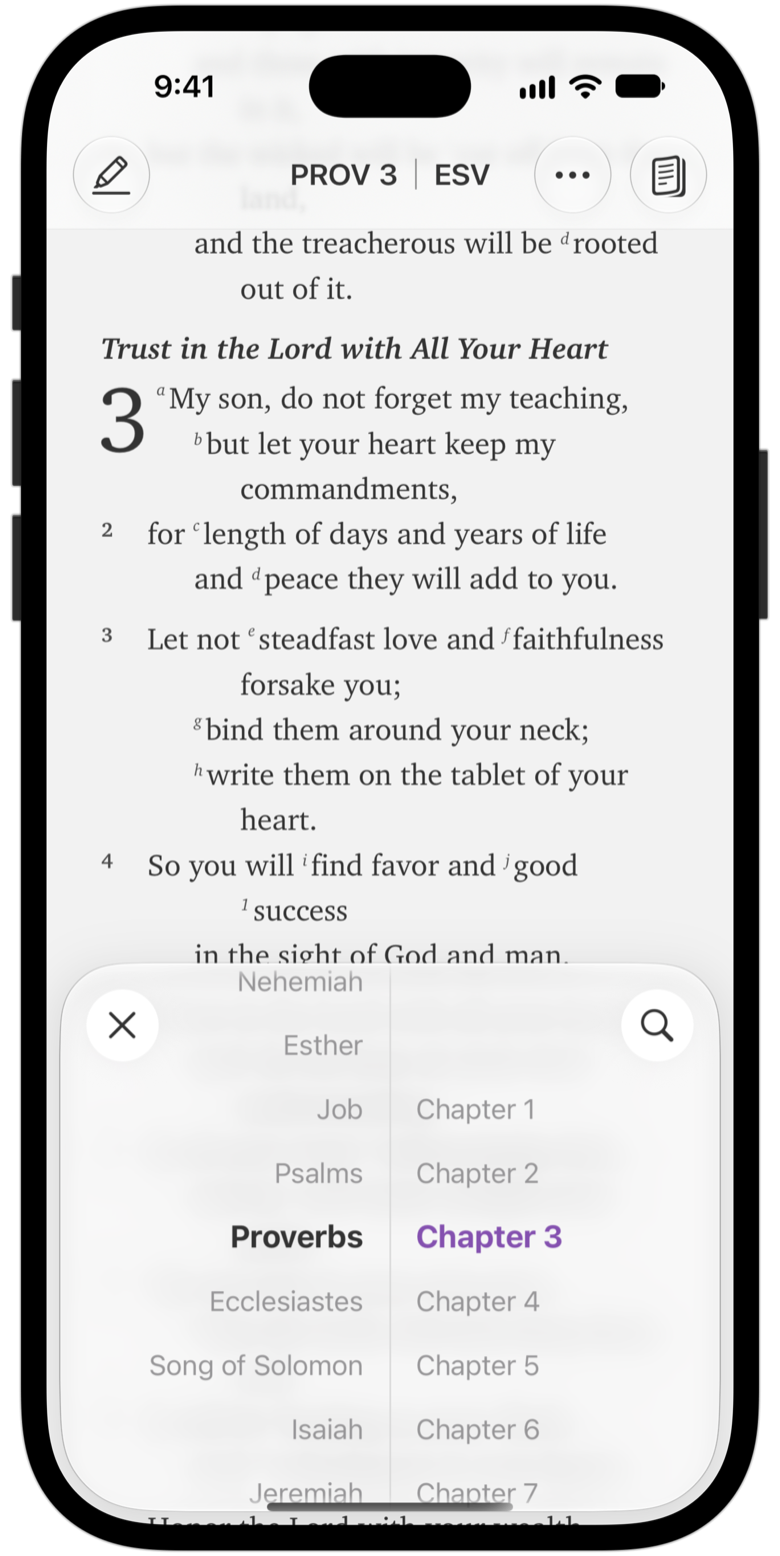
Go to a passage. Tap the reference in the title bar, or swipe left, to open the passage selector. Spin to a book and chapter.
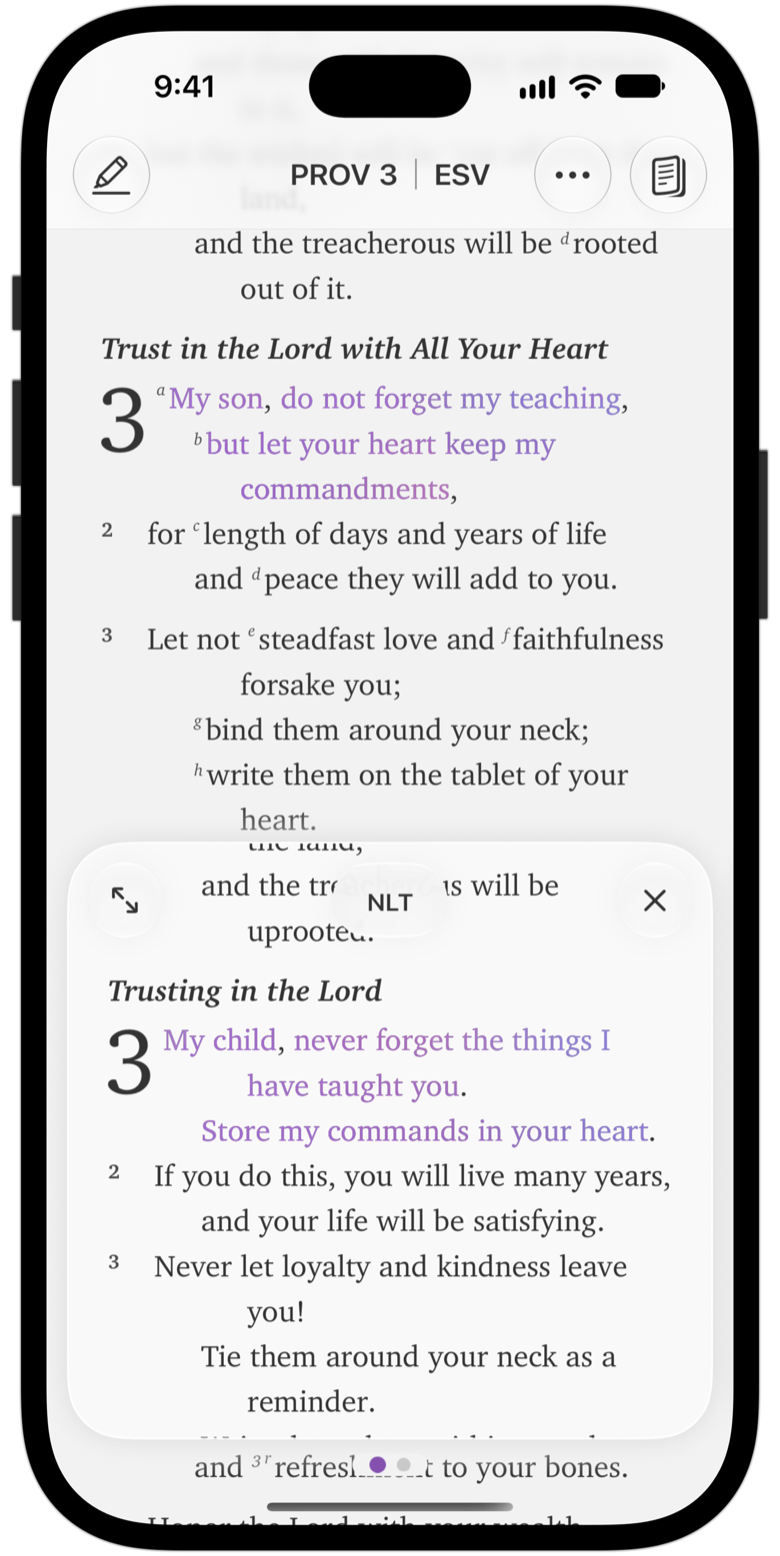
Change translation. Tap the translation in the title bar and swipe between downloaded translations. See Multi-translation View.
Write notes that link to Scripture
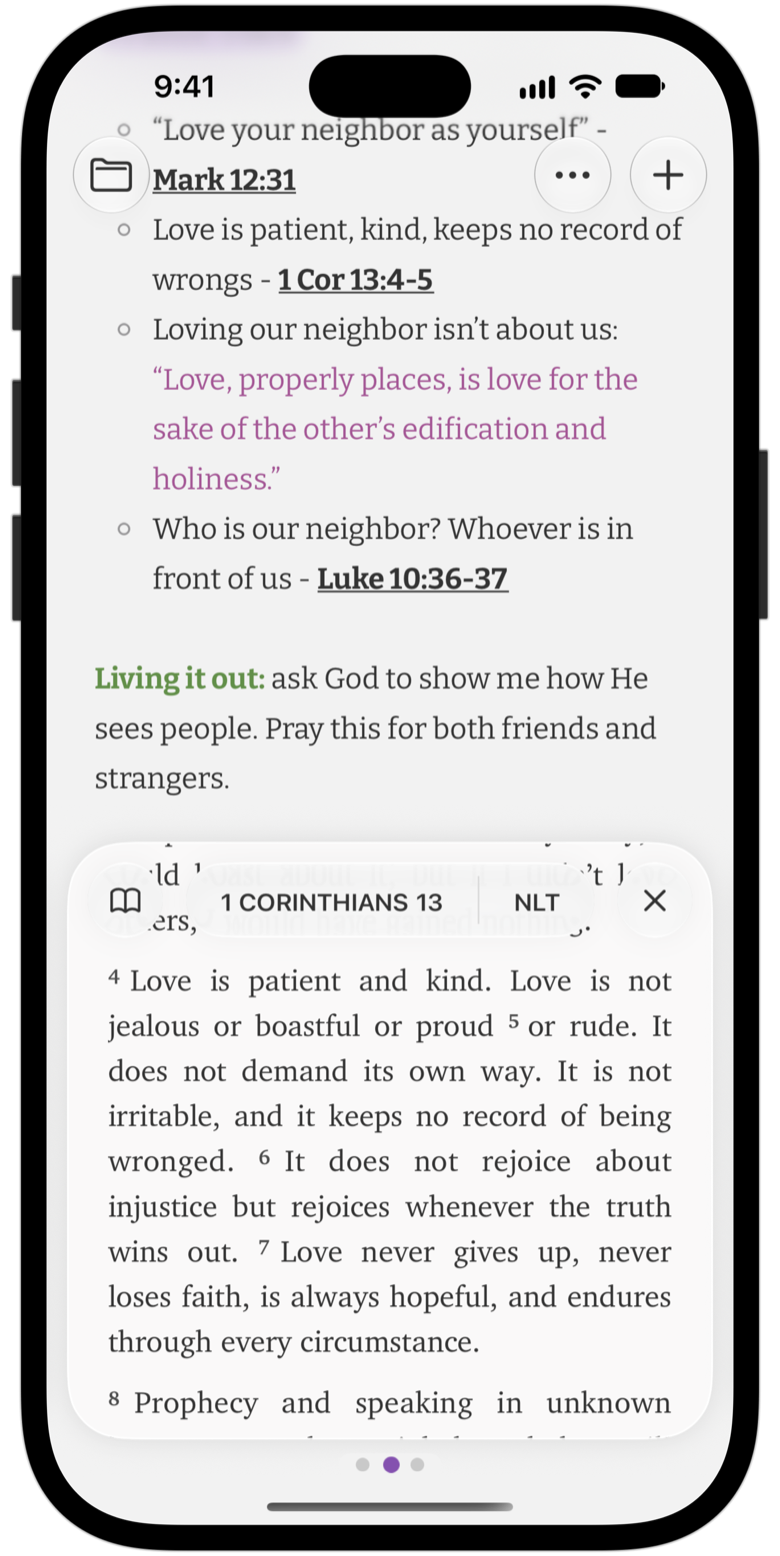
Type a reference in a note and it becomes a link automatically. Tap it to read the passage right inside your note.
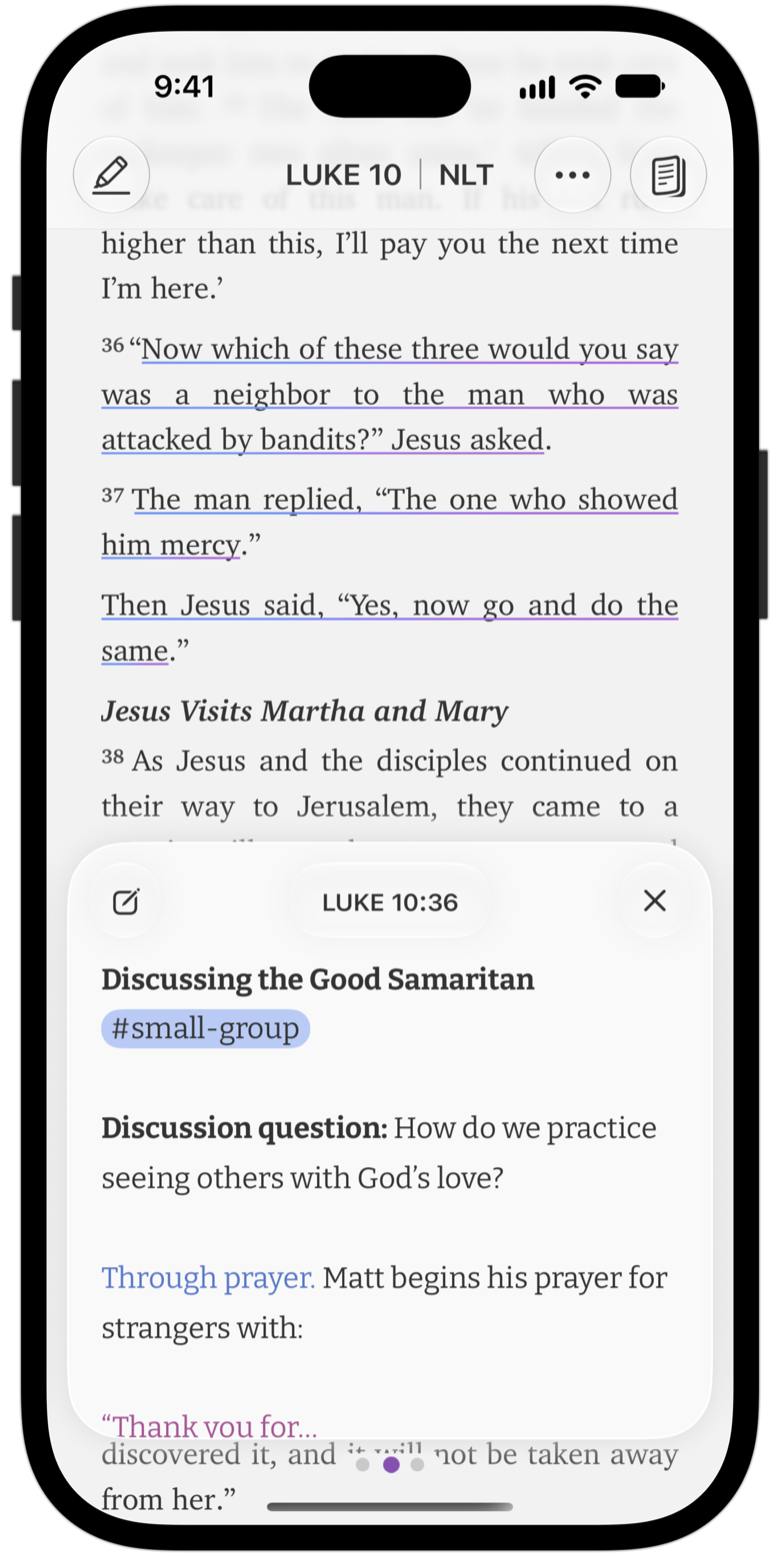
See your notes as you read
Passages you've written about are underlined in the Bible reader. Tap a verse to see every note that references it.